50% offer
Gstbillbooks Accounting and Billing Tool
Gstbillbooks is an all-in-one accounting and billing tool that simplifies invoicing and ensures GST compliance.
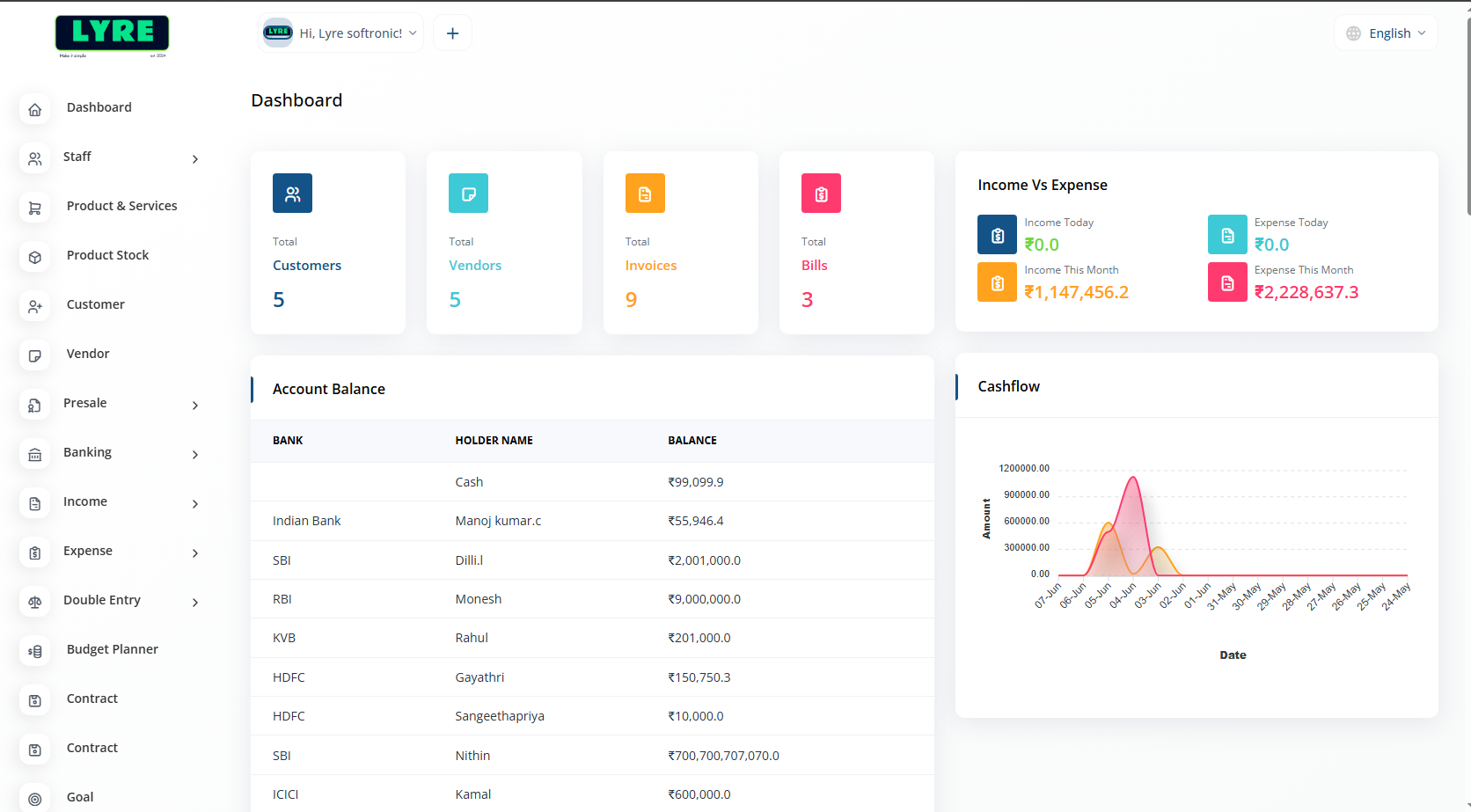
Trusted by 10+SMB's

Trusted by 10+SMB's
Simplify your billing process with intuitive tools that speed up invoice creation, reduce errors, and help you manage payments effortlessly—all in one place.
Buy Now
Bill Book features include customizable invoicing, expense tracking, multi-language support, banking integration, automated billing, and detailed financial reports.

Provides 12/7 assistance and troubleshooting to ensure smooth user experience and quick resolution of issues to ensure our customers comfortable.

Integrates invoicing with accounting or inventory software to automate data entry and track transactions. Enhances accuracy and improves billing efficiency.
Gstbillbooks is a powerful tool for easy billing, accounting, and seamless GST management.
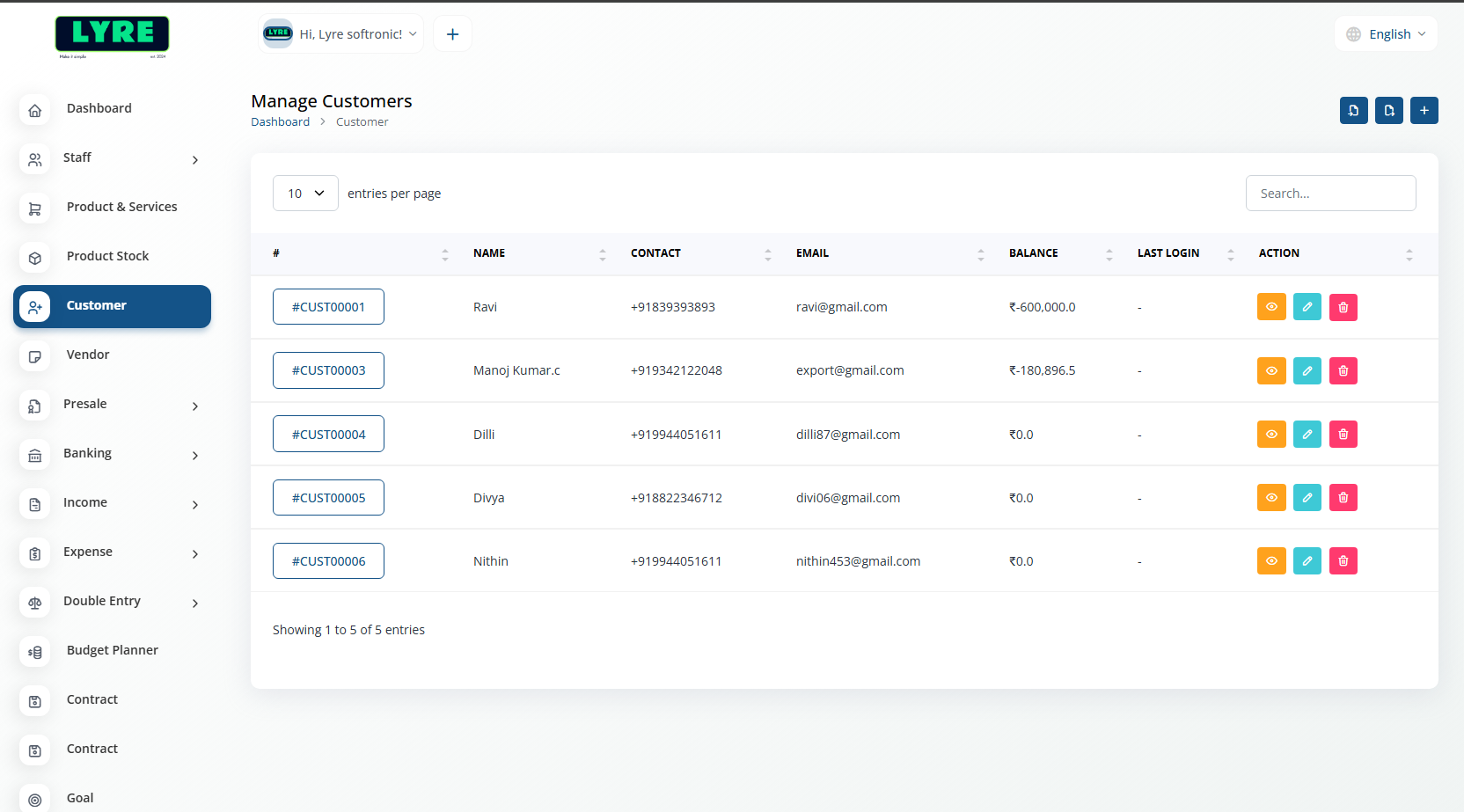
Clients who engage with your business by buying products or services, driving sales and loyalty.
Buy Now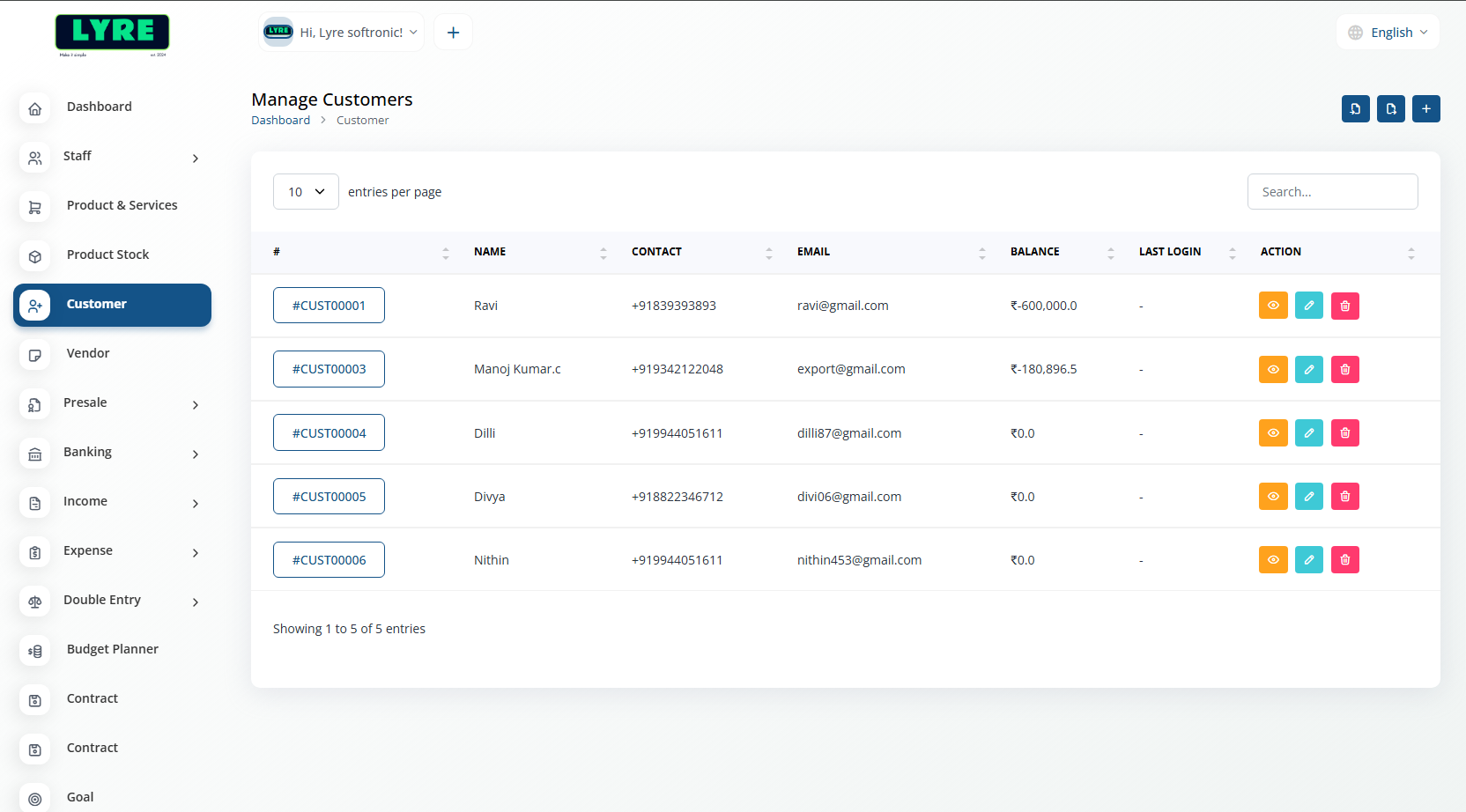
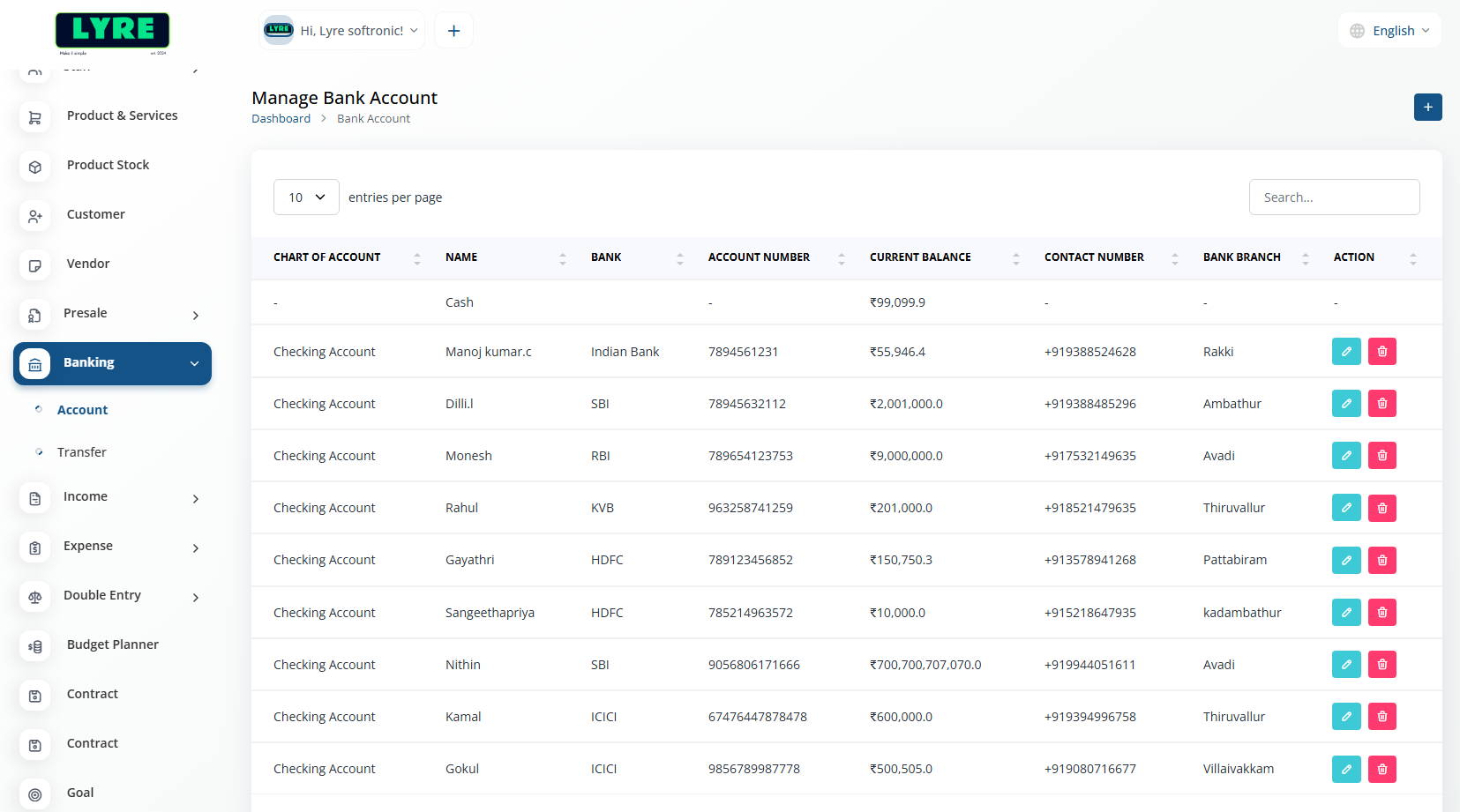
Banking includes Account and Transfer management for seamless financial transactions and record keeping.
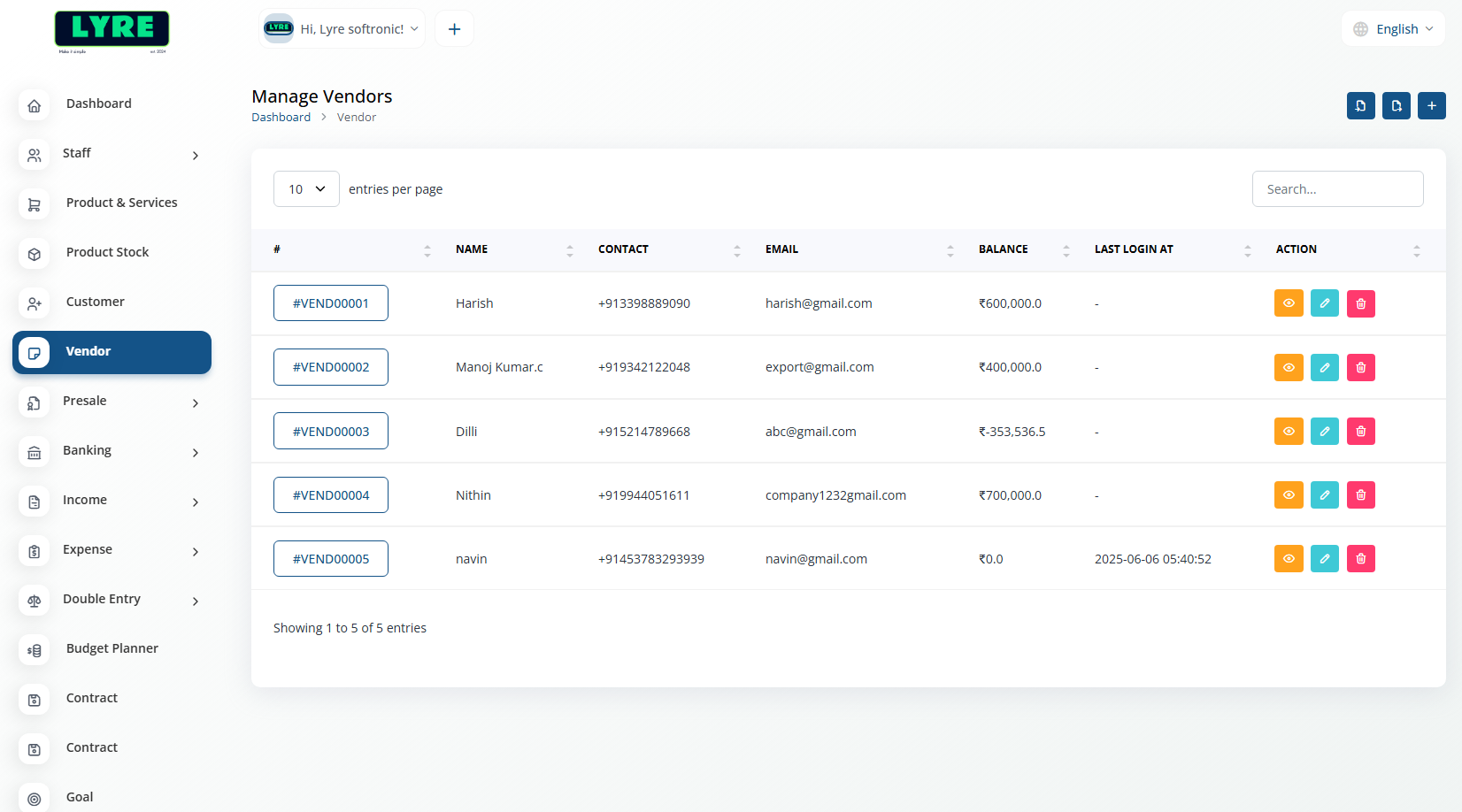
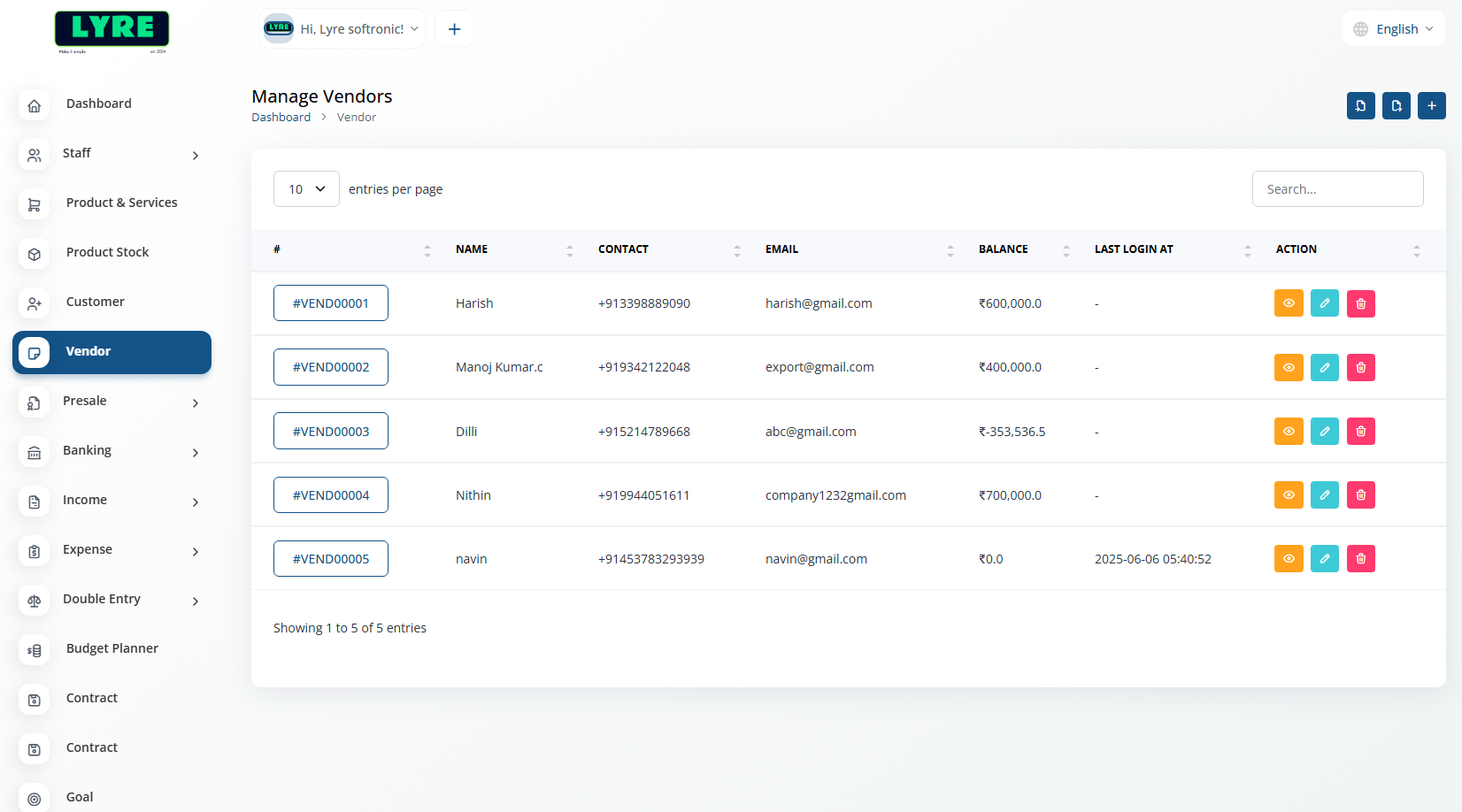
Buy NowBusinesses or individuals that supply products or services essential for your operations.
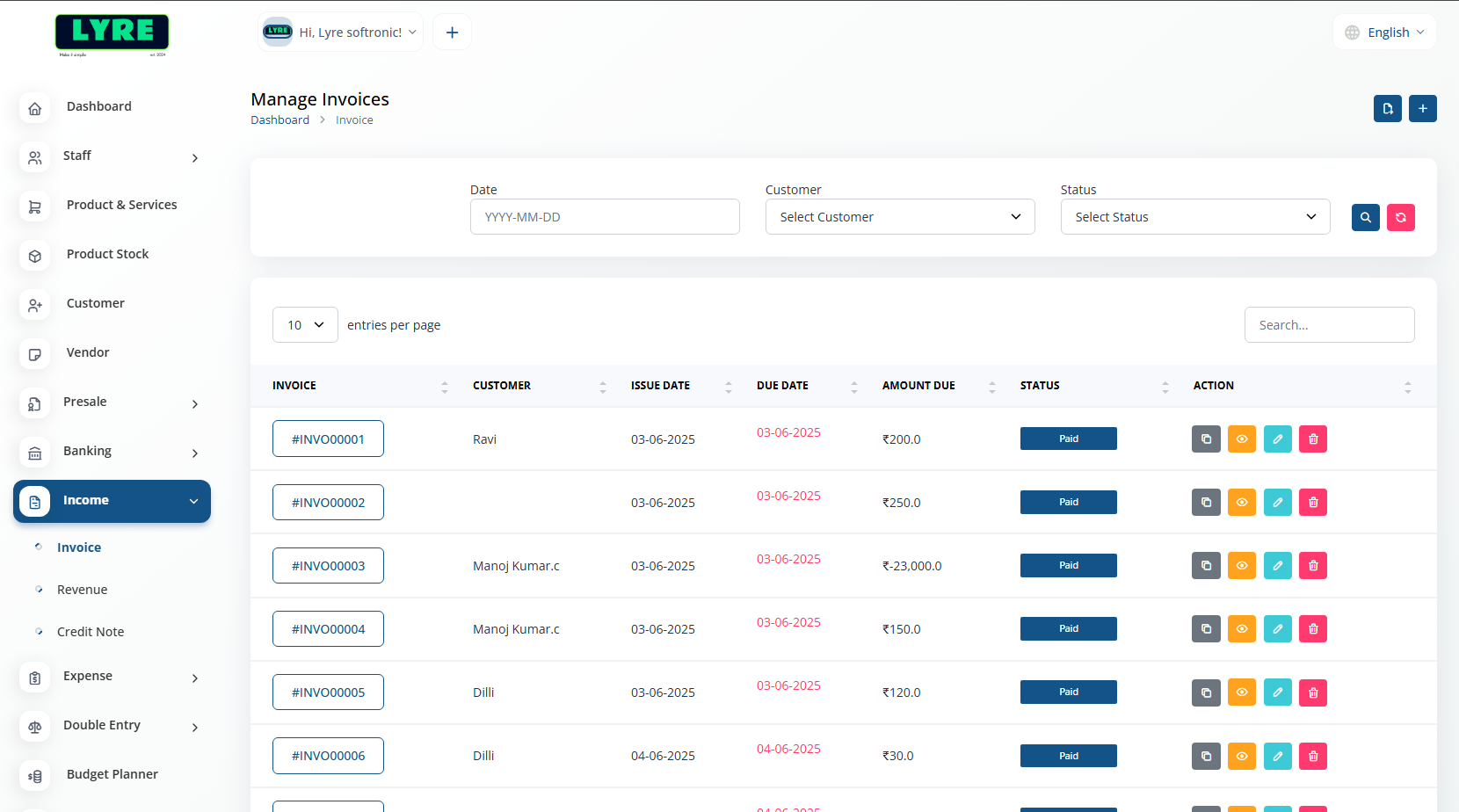
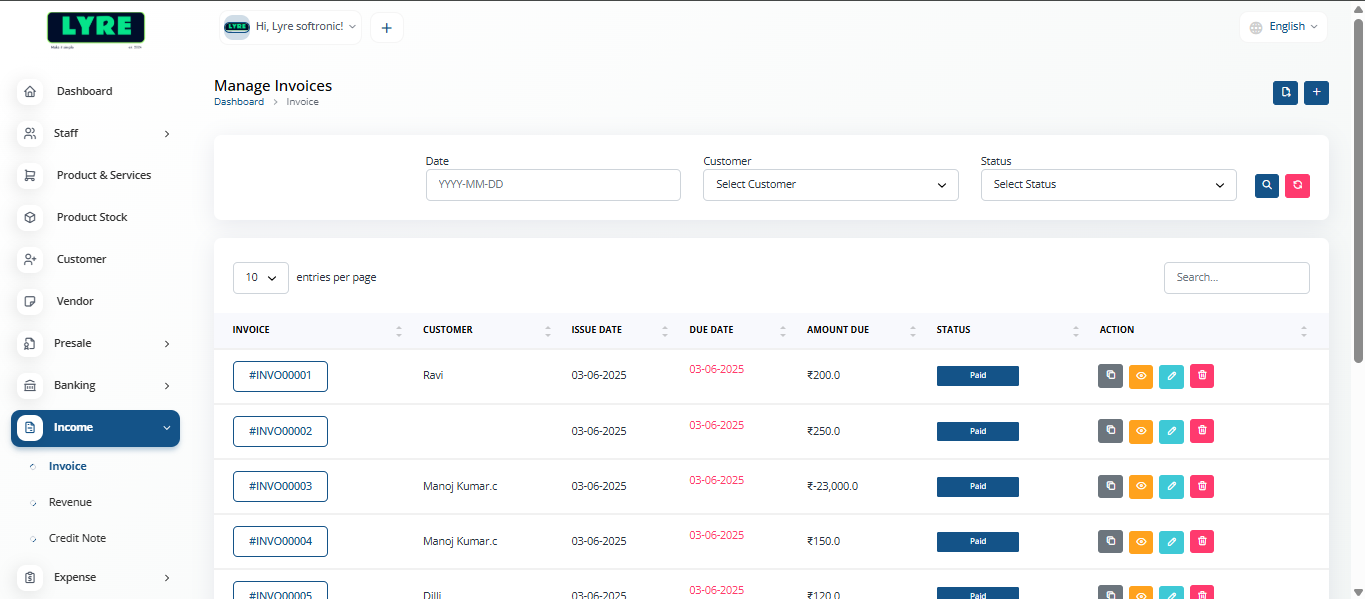
Money earned from business activities like sales or services, representing the company’s earnings.
Simplify Your Billing Process

Integrates invoicing with accounting or inventory software to automate data entry and track transactions. Enhances accuracy and improves billing efficiency.

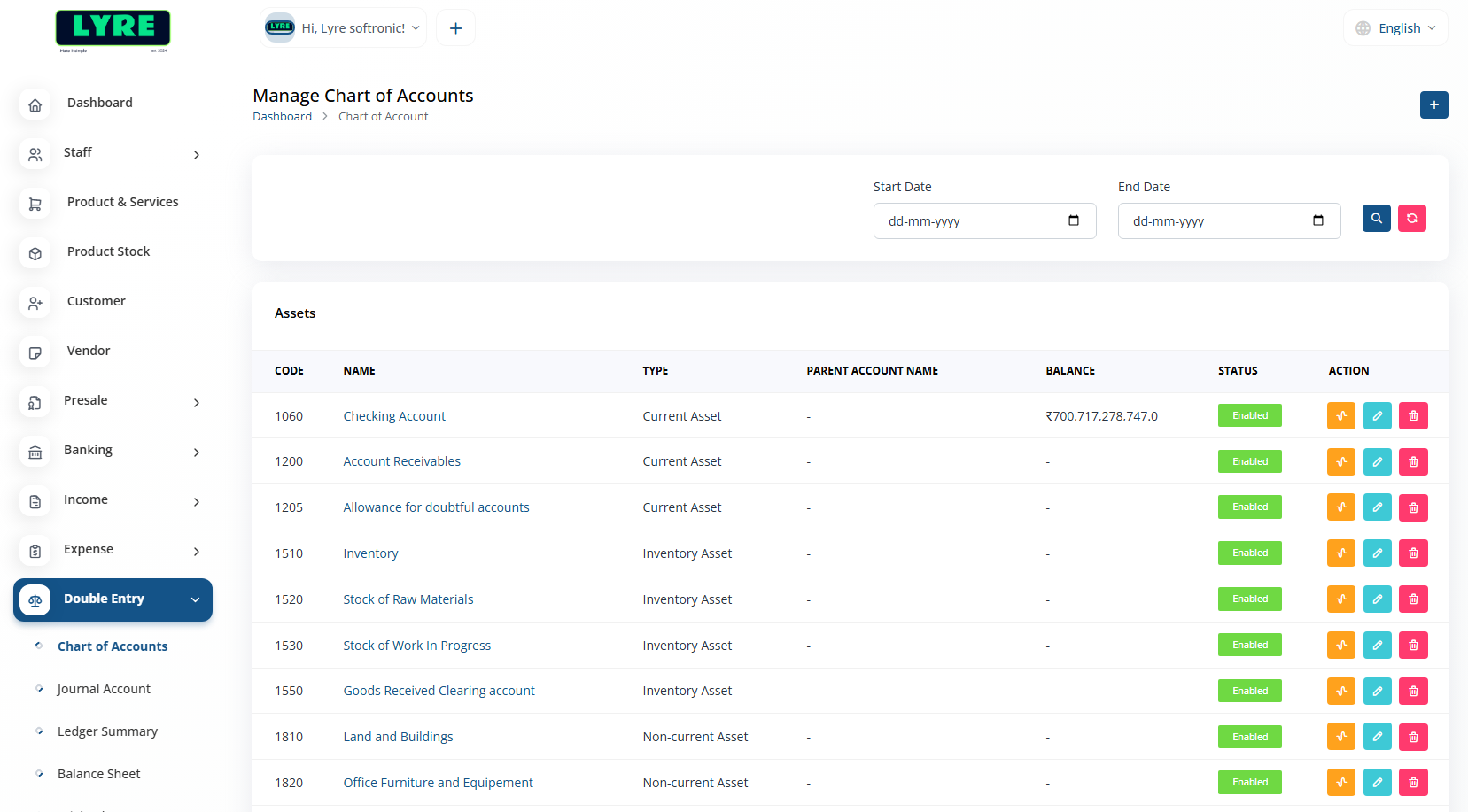
Double-entry accounting records each transaction in two accounts: one debit and one credit. This method ensures accuracy and helps maintain balanced financial records.

Bill Book Settings: Includes Email, Brand, and Payment configurations—customize communication, branding, and payment preferences.

Budget Planner Settings: Includes Category, Limit, and Period configurations—organize expenses, set limits, and define budget timelines.

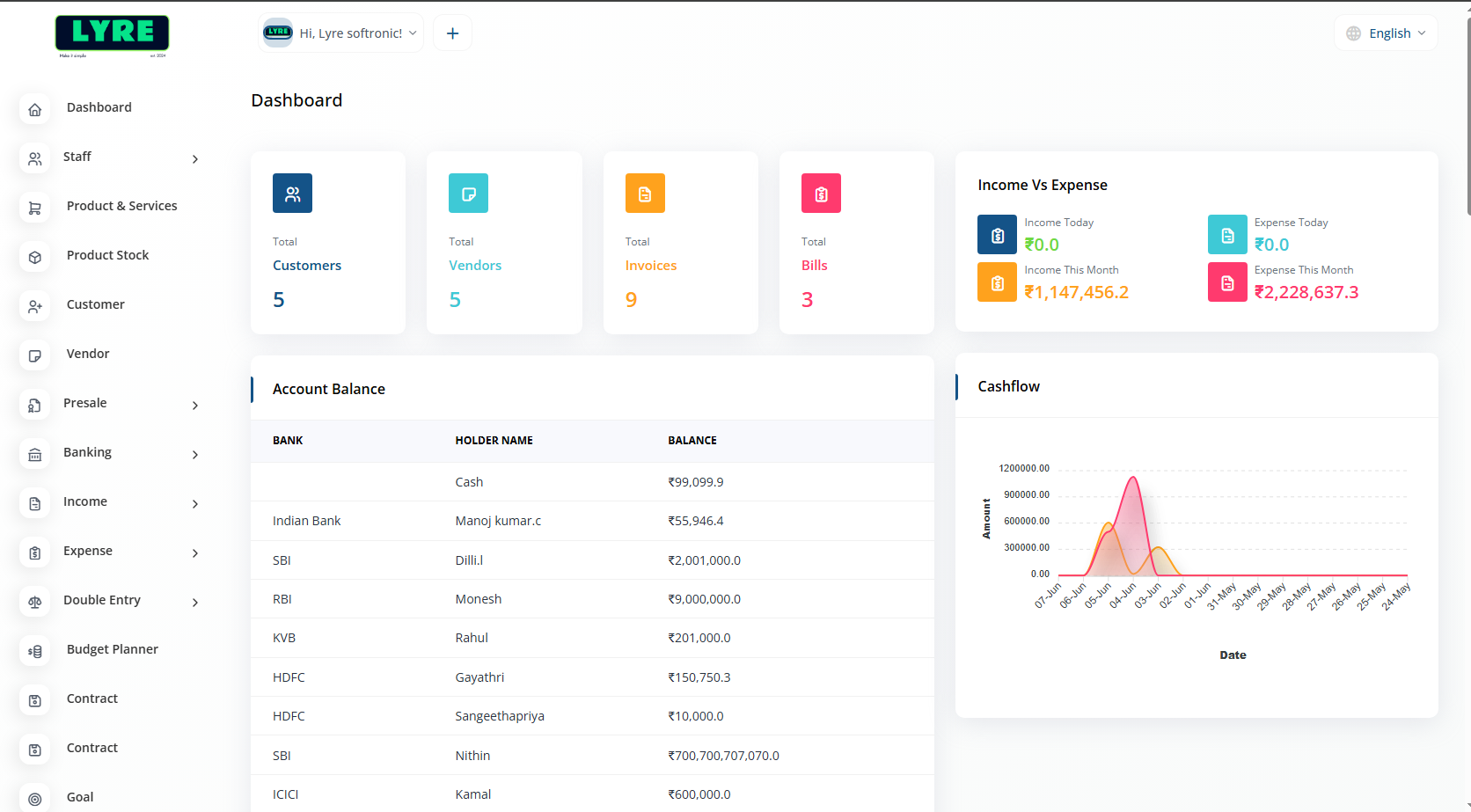
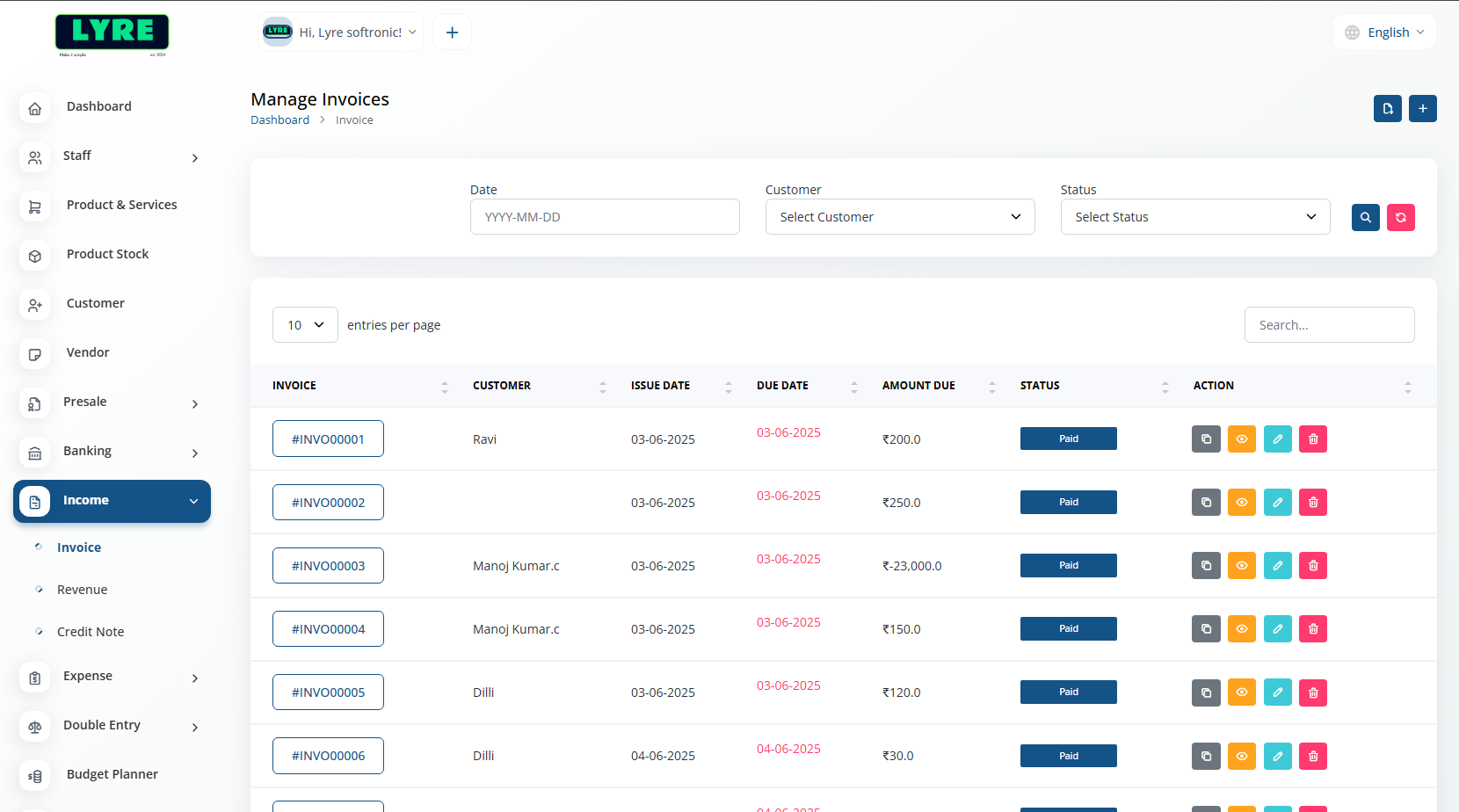
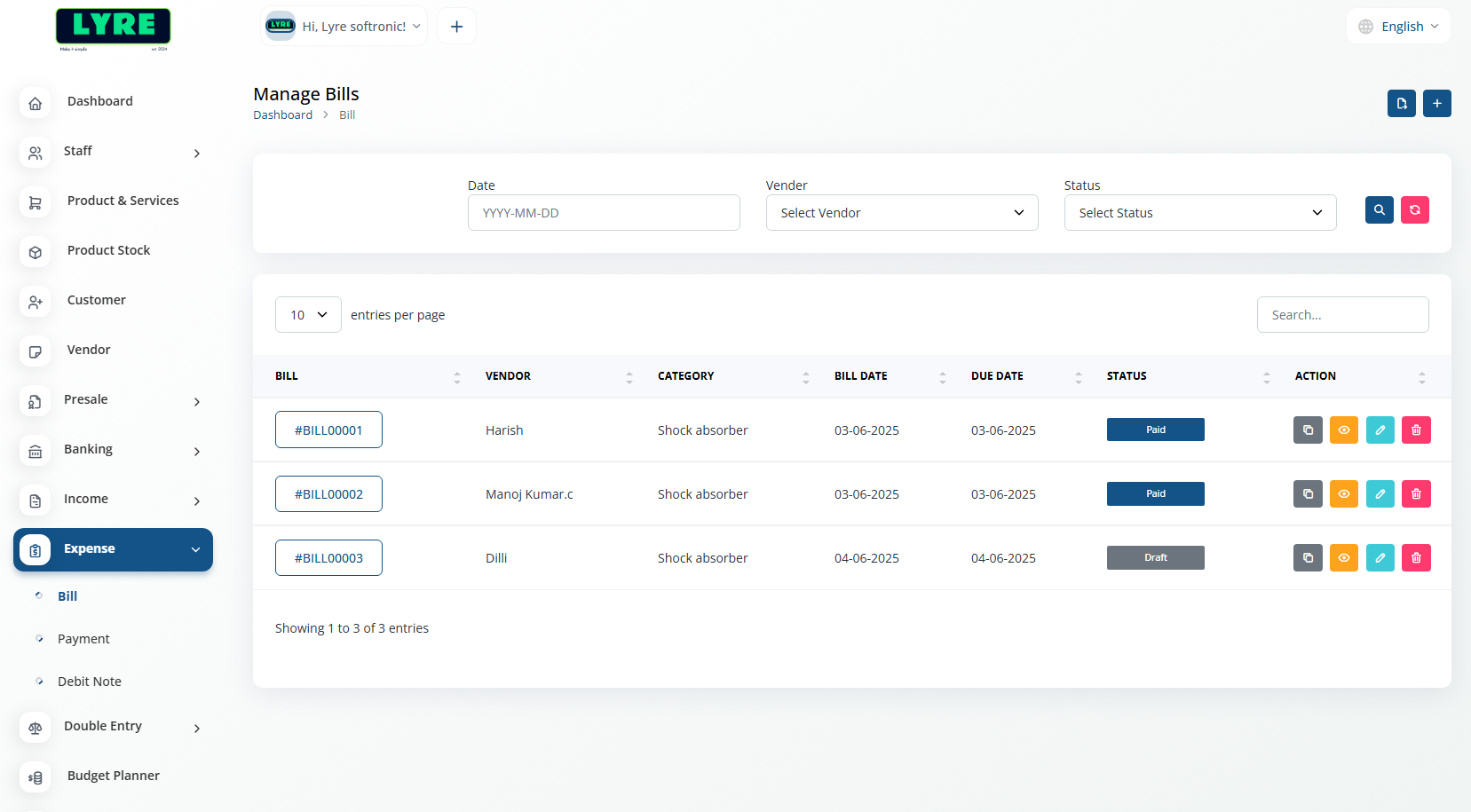
A clean and intuitive UI for BillBook that simplifies invoice creation and management. Designed for speed, clarity, and ease of use across desktop and mobile.

Banking Services Settings: Includes Account, Transaction, and Reconciliation setups—manage bank details, track transactions, and ensure accurate record matching.

Supports over 16 languages to enables users worldwide to work seamlessly in their preferred language. This enhances accessibility and user experience across diverse regions.

Expense Tracker: Helps monitor and categorize spending, providing clear insights into financial habits and aiding in better budget management.
Simplify Your Billing Process
Simplify Your Billing Process
To record a payment, open the specific invoice and click “Record Payment”. Enter the payment date, method, and amount, then click “Save” to update the invoice.
Yes, once your invoice is created, you can send it directly to the customer's email by clicking on “Send via Email” and entering their email address.